01
Understand what you see.
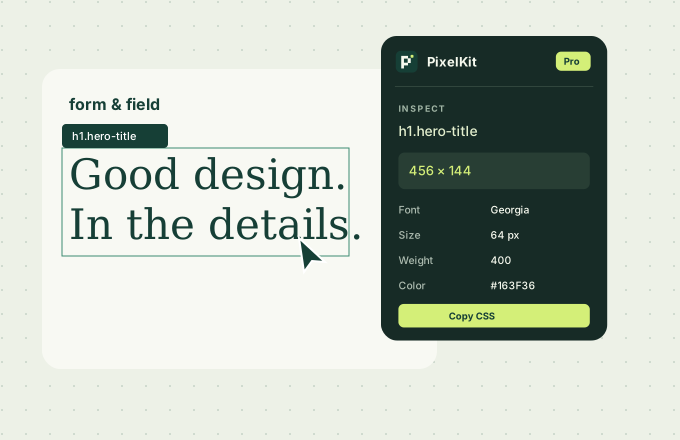
Reveal the CSS, dimensions and typography behind any element.
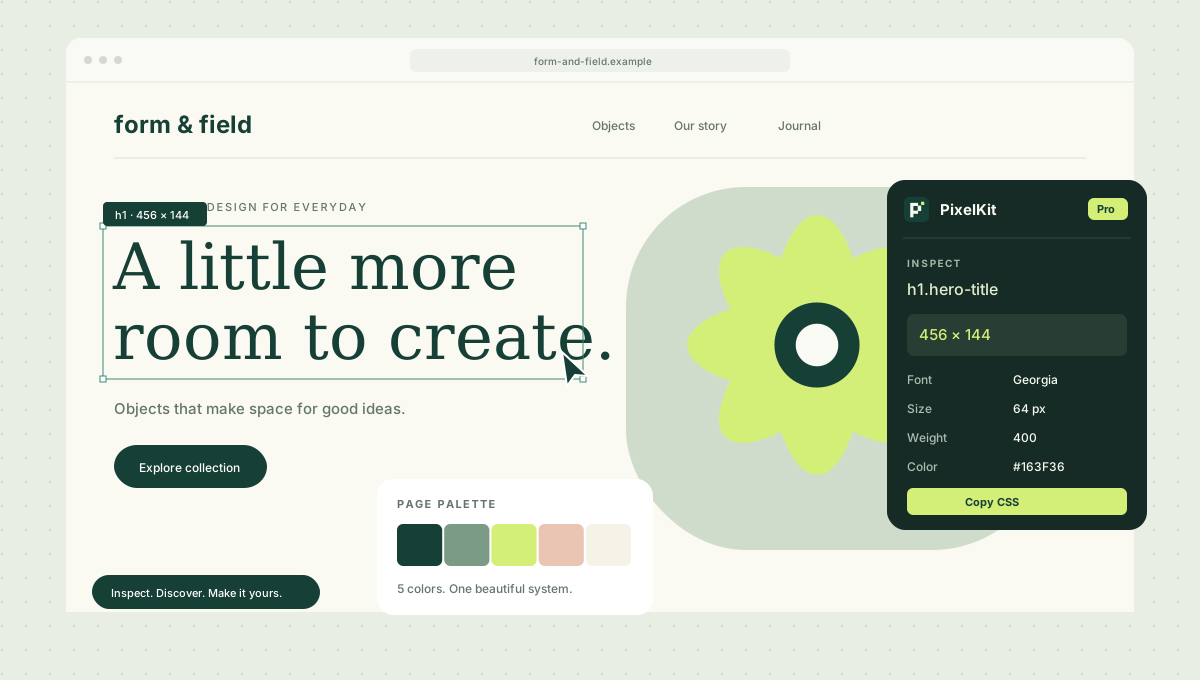
The Chrome extension for designers & developers
Inspect website CSS, colors, fonts and spacing. Check layouts, run page QA and take screenshots with one Chrome extension.
Then $0.99/month. Cancel before the trial ends.
MADE FOR THE DETAILS
From the first color you notice to the final pixel you adjust. Four core tools stay free; explore every Pro tool with a 1-month trial.
Reveal the CSS, dimensions and typography behind any element.
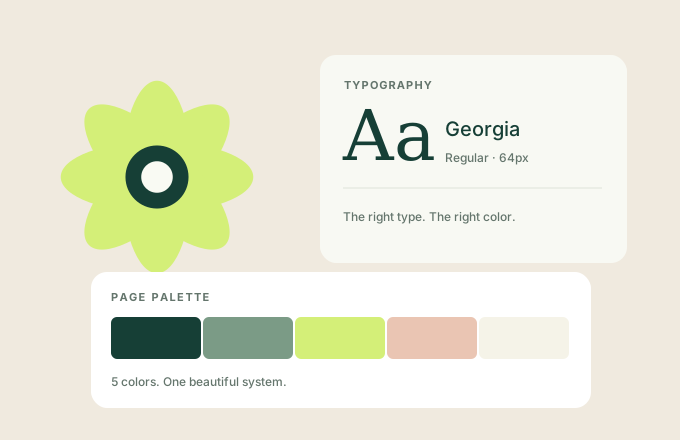
Collect a page’s palette, discover its fonts and check contrast.
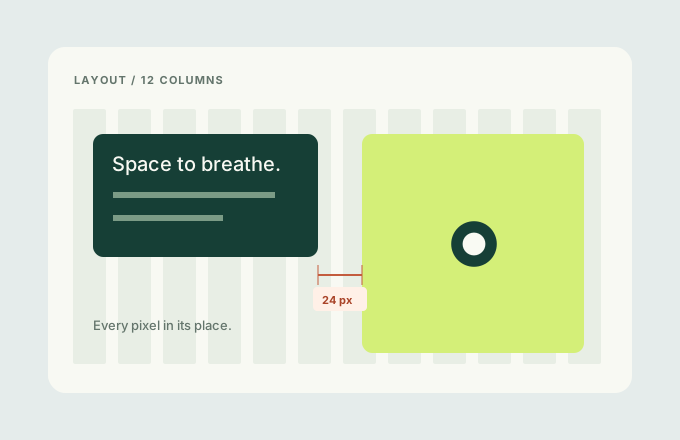
Measure the gaps. Check the grid. Capture the result.
Hover over any element to instantly view Box Model, 6 Typography properties (font-family, size, weight, line-height, letter-spacing, color), Layout, Background, and accessibility info in real time.
Automatically collects all colors used on a web page and categorizes them using a clustering algorithm.
Instantly check 6 properties of any text element: font-family, size, weight, line-height, letter-spacing, and color.
Calculates foreground/background contrast ratios in real time using the WCAG 2.1 formula. Determines AA (4.5:1) and AAA (7:1) compliance levels.
Displays horizontal, vertical, and diagonal distances between two elements in pixels (px) with Figma-style red dashed lines.
Copy an element's computed CSS to the clipboard with a single click. Range selection is also available.
Overlay a 12-column CSS Grid to visually verify layout alignment.
Progressively removes CSS in 4 stages to analyze the underlying HTML structure.
Review overflow, image descriptions, accessible names and heading order. Locate elements and export your report.
Turn an extracted palette into reusable CSS variables. Copy or download in one click.
Yes — experience PixelKit's core features right here, no extension installation required.
Keep the essentials free. Try all of Pro for a month, on us.
Install for Free
Then $0.99/month. Cancel before the trial ends.
Start free trialBuy Pro
The 1-month free trial is available on Pro Monthly. Payment details are required at checkout. Your subscription renews at $0.99/month unless you cancel before the trial ends. The $19.99 lifetime plan is a separate one-time purchase.
Start your Pro Monthly trial with Polar.
Find your license key in Polar or your email.
Paste the key into PixelKit to unlock Pro.
PixelKit is a Chrome extension for analyzing and editing the visual design of web pages. It provides 8 tools including CSS inspection, color extraction, typography analysis, spacing measurement, and WCAG contrast checking.
Search for 'PixelKit' on the Chrome Web Store or click the install button on the landing page. It's ready to use immediately after installation.
Four core tools are free forever: Hoverify Inspector, Color Picker, Grid Overlay and visible-area Screenshot. Pro Monthly starts with a 1-month free trial, then costs $0.99/month. Lifetime is $19.99.
Choose Pro Monthly in Polar to start a 1-month free trial, then activate your license key in the extension. Payment details are required. After the trial, it renews at $0.99/month unless you cancel in Polar before the trial ends. Lifetime is a separate $19.99 purchase.
Install PixelKit from the Chrome Web Store and open a website. Use the toolbar inspector and hover over an element to see CSS and typography details. Pro adds dedicated font inspection and CSS copying.
Pro Page QA checks horizontal overflow, missing image descriptions, failed image loads, unnamed inputs, buttons and links, and skipped heading levels. Locate each element and export a JSON report. These basic checks exclude iframes and shadow DOM and do not replace a full accessibility audit.
Pro plan adds 9 tools: Palette Extractor, Font Inspector, Spacing Measure, WCAG Contrast Checker, CSS Copy, Style Strip, Visual/Layout Editor, Quick Theme, and Presets.
It calculates contrast ratios between foreground (text) and background colors in real time based on the WCAG 2.1 formula. It automatically determines AA (4.5:1 or higher) and AAA (7:1 or higher) compliance levels.
Yes, PixelKit can be installed and used on Chromium-based browsers such as Edge, Brave, and Arc via the Chrome Web Store.

1 month of Pro, free
Make room for a better design workflow. Try every Pro tool for one month.
Start free trialThen $0.99/month. Cancel before the trial ends.